

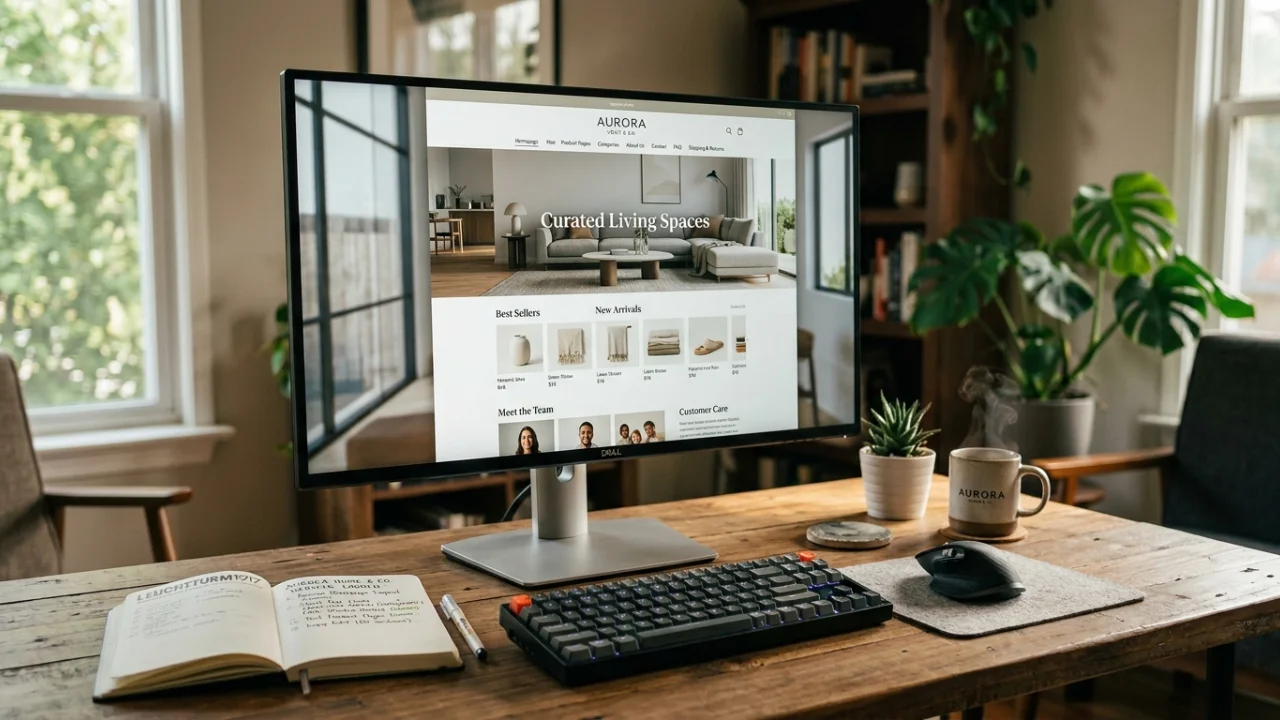
You spent weeks setting up your online store. The products are uploaded, the branding looks great, and you hit publish. But the sales are not coming in the way you expected.
Here is something most beginners miss: having the right products is only half the battle. The other half is having the right website pages for your online shop. Without them, visitors get confused, lose trust, and leave without buying.
In this guide, you will learn exactly which pages every online store needs, why each one matters, and how to set them up the right way. Whether you are running a WooCommerce store or a Shopify shop, this checklist applies to you.
Why the Right Pages Matter More Than You Think
Think of your website as a physical store. When a customer walks in, they expect clear signs, a visible checkout counter, and someone to answer their questions. If none of that exists, they walk out.
The same thing happens online. If a visitor cannot find your return policy, cannot reach your support team, or cannot understand who you are, they close the tab. That is a lost sale, and it happens thousands of times a day across online stores that are missing key pages.
Good website structure also plays a role in your search engine rankings. Google looks at your site’s content and page architecture when deciding where to rank you. A well-organized store with the right pages is more likely to rank higher and attract organic traffic.
And if you are on a platform like Shopify or WooCommerce, poor page structure can directly hurt your conversion rate. If you want to understand how design and layout affect your bottom line, this post on how UX design impacts sales in eCommerce goes deep into that topic.
Now, let us walk through every page your online store needs.
1. Homepage: Your Digital Storefront
Your homepage is the first impression. It sets the tone for your entire brand and tells visitors within a few seconds whether they are in the right place.
What your homepage must include:
- A clear headline that explains what you sell and who it is for
- A strong hero image or banner that reflects your brand
- Featured products or bestsellers
- A visible navigation menu
- Trust signals such as customer reviews, security badges, or years in business
- A clear call to action like “Shop Now” or “Browse Collections”
A common mistake is making the homepage too busy. Keep it clean, focused, and fast. Page speed matters more than most store owners realize. If your store loads slowly, visitors leave before they even see your products. You can read more about this in our guide on how to speed up your WordPress website in 2026 if you are on WooCommerce.
2. Product Pages: Where the Buying Decision Happens
Every product in your store needs its own dedicated page. This is where the real selling happens, and it deserves serious attention.
A high-converting product page should have:
- A clear product title with your target keyword
- Multiple high-quality product images from different angles
- A detailed but easy-to-scan product description
- Price displayed clearly
- Stock availability (e.g., “Only 3 left!”)
- An obvious “Add to Cart” or “Buy Now” button
- Customer reviews and ratings
- Related products or upsells
One thing many store owners overlook is image optimization. Heavy image files slow down your pages and hurt your Google rankings. Choosing the right image format can make a significant difference. Our comparison of WebP vs AVIF vs PNG for website performance in 2026 can help you decide which format works best for your store.
Also, product descriptions matter for SEO. Avoid copying manufacturer descriptions word for word. Write original content that speaks to your customer’s needs and naturally includes relevant keywords.
3. Category Pages: The Organizational Backbone
If you sell more than a handful of products, category pages are essential. They help visitors find what they are looking for quickly and also give Google a clear picture of your store’s structure.
Best practices for category pages:
- Use a short, keyword-rich category name as the heading
- Add a brief description at the top (2 to 3 sentences) that includes your target keyword
- Display products in a clean grid format with visible prices
- Include sorting and filtering options
- Show the number of products in each category
Think of category pages as the aisles in a supermarket. The clearer they are organized, the longer people stay and the more they buy.
4. About Us Page: The Trust Builder
People buy from people, not just businesses. Your About Us page is where you humanize your brand and build the trust needed for someone to hand over their credit card details.
What to include on your About Us page:
- Your brand story: how you started and why
- Your mission or values
- Photos of you, your team, or your workspace (these go a long way)
- What makes your store different from competitors
- A soft call to action at the end (e.g., “Start shopping” or “Get in touch”)
This page is more powerful than most people give it credit for. A well-written About Us page can be the deciding factor for a visitor who is on the fence about buying.
5. Contact Page: Reducing Purchase Anxiety
Online shoppers have questions. If they cannot find a way to contact you, they assume your store is not legitimate and they leave. A visible, easy-to-use Contact page reduces that anxiety significantly.
Your Contact page should include:
- A simple contact form
- Your email address
- Your business hours
- Your location (even a general city/country works)
- Links to your social media profiles
- A response time expectation (e.g., “We reply within 24 hours”)
If you offer live chat or WhatsApp support, mention it here too. The easier it is to reach you, the more confident customers will feel placing an order.
6. FAQ Page: Answering Before They Ask
An FAQ (Frequently Asked Questions) page is one of the most underused pages in e-commerce. It saves you time answering repetitive emails and helps undecided shoppers convert.
Common questions to cover:
- How long does shipping take?
- Do you ship internationally?
- What payment methods do you accept?
- How do I track my order?
- Can I return or exchange a product?
- What if my item arrives damaged?
A well-written FAQ page also helps with SEO. Many people type questions directly into Google, and if your FAQ answers those questions, you have a chance to rank for them.
7. Shipping and Delivery Page: Setting Expectations
Unclear shipping information is one of the biggest reasons people abandon their carts. Shoppers want to know exactly when their order will arrive and what it will cost them before they commit to a purchase.
Your Shipping page should clearly state:
- Shipping rates (free, flat rate, or variable)
- Estimated delivery times by region
- Whether you ship internationally
- Any restrictions on certain products or locations
- Tracking information and how it will be shared
If you offer free shipping over a certain amount, make it visible here and on your homepage. It is a powerful conversion trigger.
8. Returns and Refund Policy Page: Building Confidence
No one wants to buy something and feel stuck if it does not work out. A clear, fair refund policy removes a major barrier to purchase. According to Baymard Institute, extra costs and unclear policies are among the top reasons for cart abandonment globally.
Your Returns page should cover:
- How many days customers have to return a product
- Condition requirements (unused, original packaging, etc.)
- Who pays for return shipping
- How refunds are issued (original payment method, store credit, etc.)
- How to initiate a return (step by step)
Keep the language simple. Avoid overly legal terms that confuse people. A friendly, clear policy makes customers more likely to buy because they know they are protected.
9. Privacy Policy Page: It Is Not Just Legal, It Is Trust
A Privacy Policy page is legally required in most countries, especially if you collect any customer data, which every online store does. But beyond the legal requirement, it tells your customers that you take their information seriously.
What it should cover:
- What data you collect (name, email, payment info)
- How you use that data
- Whether you share it with third parties
- How customers can request data deletion
- Your cookie usage policy
Many platforms like Shopify and WooCommerce offer basic Privacy Policy templates that you can customize. If you are not sure whether you are on the right platform for your business, our comparison of WooCommerce vs Shopify in 2026 can help you decide which one fits your needs better.
10. Terms and Conditions Page: Protecting Your Business
Your Terms and Conditions page outlines the rules of using your website and purchasing from your store. It protects you legally if a dispute arises and sets clear expectations for customers.
Key areas to cover:
- Acceptable use of your website
- Order acceptance and cancellation rights
- Intellectual property (your brand, images, content)
- Limitation of liability
- Governing law (which country’s laws apply)
You do not need a lawyer to write this if you are just starting out. There are reputable generators like Termly that can create a solid Terms and Conditions page for free.
11. Blog or Resources Section: SEO and Authority
A blog is not just for writers. For online shops, a regularly updated blog is one of the best ways to drive free organic traffic from search engines.
What to write about:
- How to use your products
- Buyer’s guides and comparisons
- Industry tips and trends
- Answers to common customer questions
For example, if you sell fitness equipment, a post like “How to Set Up a Home Gym on a Budget” can attract thousands of monthly visitors who are exactly your target audience. When they land on your blog, they discover your products.
A consistent blog also builds authority and keeps your site fresh, which Google rewards with better rankings.
12. 404 Error Page: Do Not Waste a Lost Visitor
Every website has broken links at some point. A 404 page appears when someone lands on a URL that does not exist. Most stores use the default, unhelpful “Page Not Found” message. That is a missed opportunity.
A good custom 404 page should:
- Acknowledge the error in a friendly way
- Provide a search bar
- Link to your homepage, bestsellers, or popular categories
- Match your brand’s tone and style
A well-designed 404 page can redirect a confused visitor back into your store instead of losing them completely.
Bonus: Thank You Page After Purchase
This page appears after a customer completes a purchase. Most stores leave it generic, but a smart Thank You page can do a lot more.
Use your Thank You page to:
- Confirm the order details
- Share the expected delivery date
- Suggest related products (upsell or cross-sell)
- Invite them to follow you on social media
- Offer a discount code for their next order
This single page can increase repeat purchases and customer lifetime value significantly.
How to Prioritize These Pages
If you are just starting out and cannot build all of these pages at once, here is the order of priority:
- Homepage
- Product Pages
- Contact Page
- Shipping and Refund Policy
- Privacy Policy and Terms
- About Us
- FAQ
- Category Pages
- Blog
- Custom 404 Page
Get the first five done before you launch. Add the rest as your store grows.
Final Thoughts
Building a successful online store is not just about having great products. The website pages for your online shop are what turn casual visitors into confident buyers. Each page plays a role in building trust, answering questions, and guiding the customer toward a purchase.
If you are not sure how your current store stacks up, it might be time for a quick audit. Missing pages, slow load times, and poor structure can all be quietly hurting your sales without you knowing it.
Need help optimizing your online store? Whether you are running WordPress or Shopify, a professional review of your site’s structure and performance can reveal exactly what is holding you back. Feel free to reach out, we are happy to take a look.